
how to get free steam games legally comes down to using official promotions, free-to-play listings, and reputable giveaways, then doing a quick safety check before you click “redeem.”
A lot of people get stuck because Steam is full of “too good to be true” offers floating around social media, Discord servers, and sketchy key sites, and the risk is real: you can lose money, get hit with malware, or even put your Steam account at risk.
This guide keeps it practical. You’ll learn the legit places where free games actually show up, how to tell the difference between a real key and a scam, and a simple routine you can repeat every week without turning “free” into a part-time job.
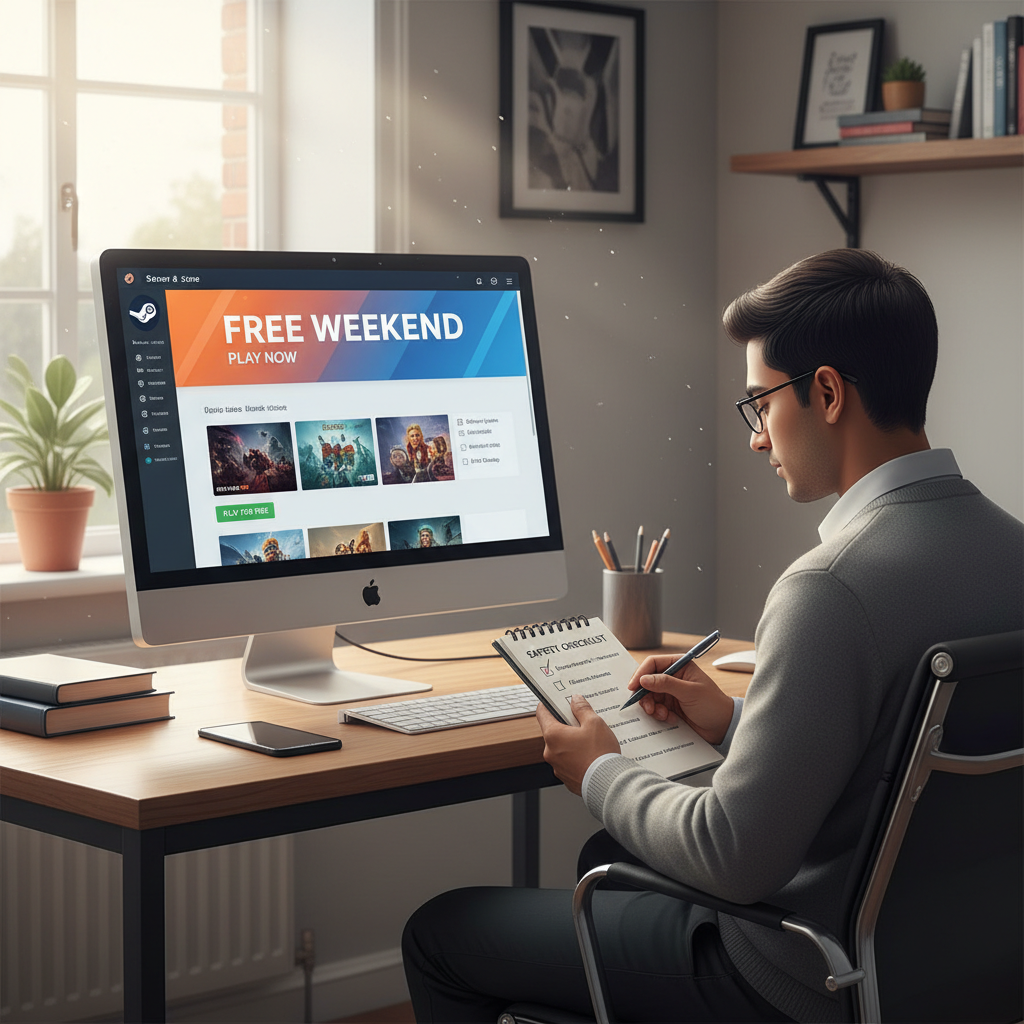
What “legal” actually means for free Steam games
In practice, “legal” means you acquire the game through an authorized path: Steam itself, the game’s publisher, or a storefront/partner the publisher officially uses for distribution. If you’re ever unsure, look for the giveaway announcement on the publisher’s verified channels or Steam news posts.
Also worth separating: “free to keep” versus “free to play for a weekend.” Both can be legitimate, but they’re different experiences, and a lot of disappointment comes from missing that detail.
- Free-to-play: permanently free base game, optional purchases.
- Free weekend / limited-time access: playable during the promo window only.
- Free to keep: claim during the window, keep forever.
- Giveaway key: a Steam key delivered by an authorized seller/publisher campaign.
According to Valve, Steam keys are distributed by game developers and publishers, which is why legitimacy often hinges on whether the source is authorized by the publisher.
Legit ways to get free games on Steam (that actually work)
If your goal is how to get free steam games legally without constantly second-guessing every link, start with sources that are boring in the best way: official, repeatable, and low-risk.
1) Steam’s own free-to-play and demos
Steam’s Free to Play section is the cleanest answer because there’s no “claim” process, no key, no external login. Demos can also be surprisingly generous, especially around Steam Next Fest.
- Browse Steam’s Free to Play category and filter by tags you actually enjoy.
- Watch for Next Fest demo waves if you like trying upcoming titles.
- Add games to your library directly inside Steam, no third-party steps.
2) Free weekends and “Play for Free” events
These are common for multiplayer games trying to boost the player base. You typically install and play during a short window, and sometimes you’ll see a discount to buy after.
- Look for “Play for Free” on the game page or Steam event banners.
- Double-check the end date so you’re not surprised when access expires.
3) Limited-time “free to keep” Steam promotions
Occasionally a game is offered free to keep directly on Steam. When it’s real, it’s straightforward: the price shows as free, you click “Add to Account,” and it stays in your library.
Pro tip: if it requires leaving Steam to “verify,” “connect,” or “sign in,” slow down. Real Steam freebies rarely require extra hoops.
4) Publisher and developer giveaways (often via Steam keys)
Publishers sometimes run promotions on their own sites, newsletters, or partner platforms, then deliver Steam keys. This is still a valid route when the publisher clearly runs it.
- Follow publishers you like on Steam and on their verified social accounts.
- Prefer announcements that link back to an official page, not a random URL shortener.
- Expect limited quantities sometimes, first-come-first-served is common.
5) Authorized third-party stores and bundles (free offers happen)
Some well-known PC game stores run periodic free game promos and may provide Steam keys when the publisher chooses Steam distribution. The “authorized” part matters more than the “free” part.
According to the Federal Trade Commission (FTC), scammers often use lookalike websites and deceptive links, so sticking to recognizable, verified domains is a simple but effective safeguard.
A quick comparison table: which method fits your situation?
People ask how to get free steam games legally, but what they usually mean is “where should I spend my time so I don’t get burned.” This table makes the trade-offs obvious.
| Method | What you get | Best for | Main watch-out |
|---|---|---|---|
| Steam Free-to-Play | Permanent access | Low effort, safe options | Heavy monetization varies by game |
| Steam Demos / Next Fest | Limited slice of a game | Trying new releases | Not the full game |
| Free Weekend | Full game temporarily | Co-op or MP with friends | Access ends after promo |
| Free-to-Keep Steam Promo | Keep forever | Building a library cheaply | Rare, time-limited |
| Publisher Giveaway Key | Steam key | Fans of specific publishers | Scam clones, fake key pages |

Self-check: how to tell if a “free Steam game” offer is legit
This is the part most people skip, then regret. Run this quick checklist before you sign in anywhere or paste any key.
- Is the source verifiable? Can you find the same promo on the publisher’s official site, Steam page, or verified social accounts?
- Does it ask for your Steam password off Steam? If a third-party page asks for credentials, treat it as suspicious.
- Is the domain clean? Look closely for misspellings and lookalike domains.
- Are you being rushed? “Only 5 minutes left” pressure is a classic scam tactic.
- Does it require browser extensions, files, or “anti-bot” downloads? That’s a hard no in most cases.
- Does it sound like gambling? “Spin to win a AAA key” is often a bait pattern, even when it looks polished.
According to Valve’s Steam support guidance on account security, you should protect your account with Steam Guard and be cautious about phishing attempts that imitate Steam login pages.
Step-by-step: a safe weekly routine to find free games
If you want how to get free steam games legally without doom-scrolling deal feeds every day, a simple routine beats constant hunting.
Set up Steam-side signals
- Add games you’re interested in to your wishlist, then watch for “free weekend” notices.
- Follow publishers and games on Steam so events show up in your activity feed.
- Enable Steam Guard and keep your recovery info current.
Use a “two-source rule” for giveaways
Before redeeming a key from anywhere outside Steam, confirm the giveaway from a second trustworthy place, ideally the publisher or a known storefront announcement. It feels cautious, but it saves time long-term.
Redeem keys the right way
- In Steam, use Games → Activate a Product on Steam for keys.
- Prefer typing/pasting directly into Steam, not into random “key checker” sites.
- If Steam rejects it, don’t keep trying on multiple accounts, that can create more issues than it solves.
Common mistakes that turn “free” into trouble
Most bad outcomes come from a few predictable habits. If you avoid these, you’re already ahead.
- Logging in via a link someone DMs you: open Steam in your browser/app directly instead.
- Assuming every key seller is authorized: “key available” doesn’t prove legitimacy.
- Ignoring region restrictions: some keys are region-locked, which is annoying at best, risky if the source is shady.
- Trading with strangers for “free keys”: if a deal depends on trust, it’s not really free.
- Disabling security for convenience: losing an account costs more than any free game saves.
According to the FTC, phishing and impersonation scams often rely on urgency and fake support messages, so slowing down is a real defensive move, not paranoia.
When to stop and get help (account, payment, security)
If you think you entered your Steam credentials on a suspicious page, treat it as a security incident. Change your password, revoke unknown sessions, and review your account access and trading history. If you see unauthorized purchases or account changes, contact Steam Support rather than trying to “fix it” through random guides.
If malware is a concern because a giveaway asked you to install something, consider running reputable antivirus tools and, if needed, consulting an IT professional. The right step depends on your setup and comfort level, so it’s okay to get help.

Key takeaways + what to do next
Key takeaways: The safest path is staying inside Steam whenever possible, and when you go outside Steam, only follow promotions you can verify through the publisher or a clearly authorized partner. If an offer needs your password off-platform or asks you to download something “to claim,” it’s usually not worth the risk.
Action steps: check Steam’s Free to Play section, follow a few publishers you actually like, and turn on Steam Guard today. After that, keep a simple rule in mind, if you can’t verify the source in two minutes, skip it and move on.
FAQ
Is it legal to use Steam key giveaway sites?
It depends on whether the site is authorized by the publisher to distribute keys. A page that “has keys” isn’t the same as having permission, so look for publisher confirmation or an established, reputable storefront relationship.
Can I get banned for redeeming a free Steam key?
Redeeming legitimate keys from authorized promotions is typically fine. The risk shows up when keys come from fraud, chargebacks, or unauthorized sources, which can create account or license issues later.
What’s the safest way to redeem a Steam key?
Redeem inside the Steam client using the “Activate a Product on Steam” option. Avoid entering keys on random websites that claim to “validate” them.
Do free weekends count as free games?
They’re legitimate free access, but not “free to keep.” If your goal is to build a permanent library, focus on free-to-keep promos or free-to-play games instead.
How can I avoid fake Steam login pages?
Don’t sign in from links sent by strangers or unexpected messages. Navigate to Steam directly, check the domain carefully, and keep Steam Guard enabled so a stolen password alone is less likely to compromise your account.
Are free-to-play Steam games really free?
The base download is free, but monetization varies by title. Some games are fair with cosmetics, others push progression boosts, so it helps to read recent reviews before you invest time.
If a giveaway asks me to install software, should I do it?
In many cases, no. Legit promotions rarely require extra downloads beyond the game itself. If you’re uncertain, skip it or look for the same offer announced through official publisher channels.
If you’re trying to build a Steam library on a tight budget, a simple “official sources only” habit usually beats chasing every viral giveaway link, and it keeps your account and PC in a much calmer place.