
Best games with holographic map and navigation usually solve the same headache: you love exploring, but you hate pausing every two minutes to stare at a flat menu and guess where “north” went.
Holographic navigation works because it keeps you in the world. You read the environment, you move, you fight, you scan, and the map becomes part of the fiction instead of a separate chore. When it’s done well, it’s faster and it feels cooler. When it’s done poorly, it’s just a pretty overlay that still leaves you lost.
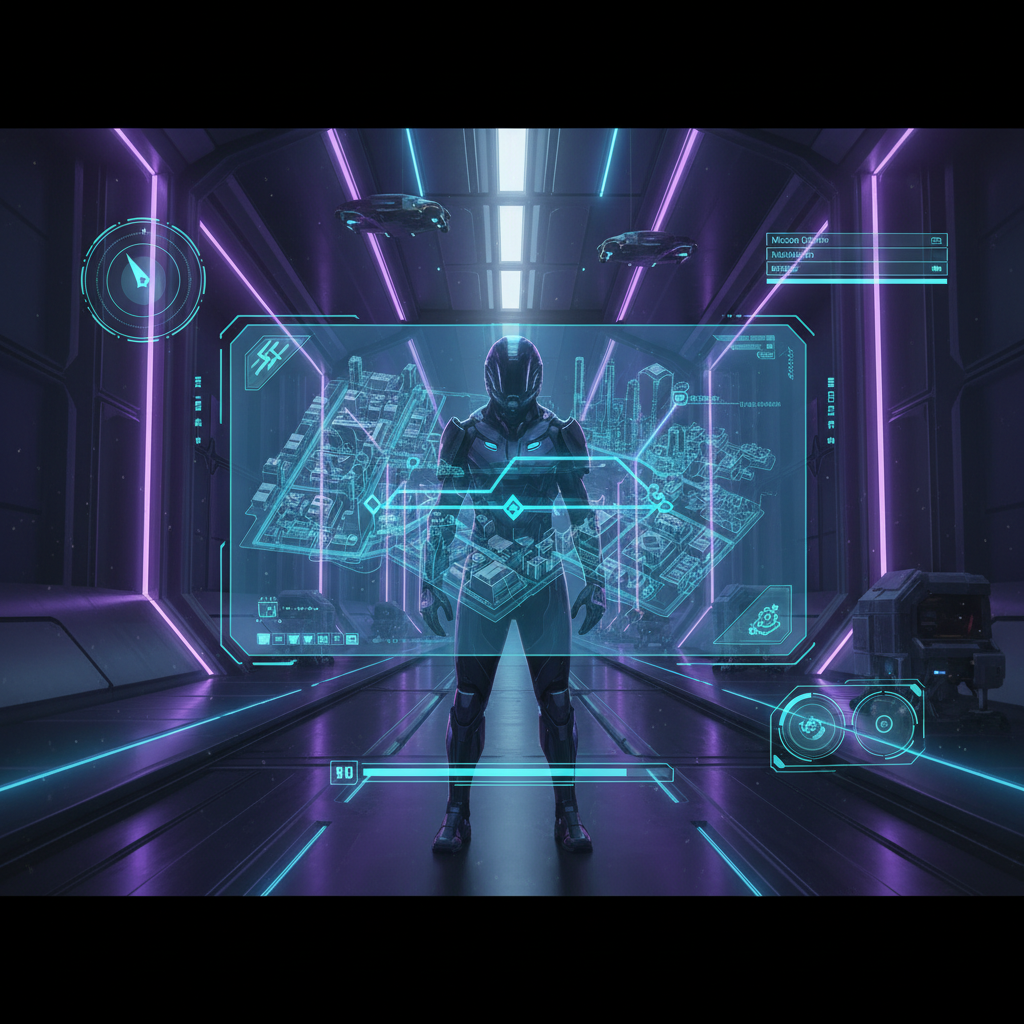
This guide focuses on games where the hologram is more than decoration: it supports wayfinding, objectives, and moment-to-moment decisions. I’ll also call out what to look for if you’re picky about UI clarity, immersion, or motion comfort.
What counts as “holographic map navigation” (and what doesn’t)
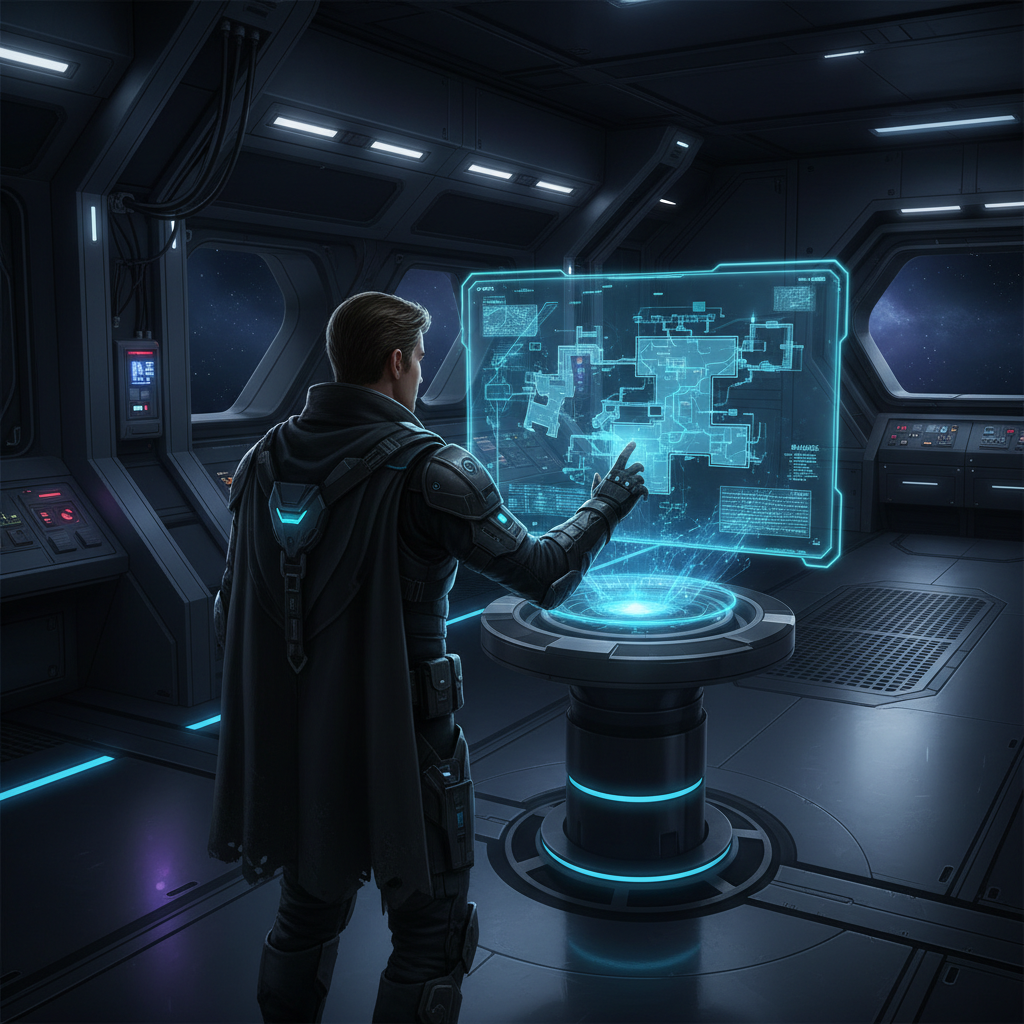
In most cases, holographic navigation means the map is presented as an in-world projection or augmented display, not a traditional full-screen 2D menu. You might see it on a wrist, a helmet HUD, a floating projector, or a diegetic device your character actually owns.
- Diegetic map: a map shown as part of the world, like a wrist projector or a floating drone display.
- AR pathing: guidance lines, breadcrumbs, or “light trails” layered into the environment.
- 3D spatial layout: multi-level interiors where the map conveys height and depth clearly.
What doesn’t count, at least for this list: a standard pause screen with a slightly futuristic frame. Pretty, yes. Holographic navigation, not really.
Best Games With Holographic Map Navigation (curated list)
Below are picks that players commonly associate with strong in-world UI and readable navigation. Some lean on a full holographic map, others on a hologram plus AR cues. Either way, you spend less time menu-diving.
Dead Space (Remake)
If you want a clean example of in-world wayfinding, Dead Space’s holographic route line and hologram UI still set a high bar. You’re often under pressure, so quick navigation isn’t cosmetic, it’s survival.
- Why it works: fast “point me there” guidance without breaking immersion.
- Best for: players who hate pausing mid-combat.
Halo (series, especially entries with strong HUD guidance)
Halo doesn’t always present a pure “hologram map,” but it’s a classic reference for HUD-forward navigation and readable objective direction in large spaces. In practice, it scratches the same itch: stay moving, stay oriented.
- Why it works: clear objective language and strong spatial landmarks.
- Best for: players who prefer subtle guidance over heavy overlays.
Destiny 2
Between waypointing, AR-like objective markers, and sci-fi UI conventions, Destiny 2 often feels like playing inside a holographic mission board. It’s not purely diegetic at all times, but it’s consistently built around navigable information.
- Why it works: strong waypoint loops and readable activity flow.
- Best for: players who bounce between missions and need quick orientation.
Warframe
Warframe’s minimap and objective flow are designed for speed. You’re parkouring through tilesets, and the navigation layer supports that tempo. It’s a different flavor of “holographic,” more HUD-AR than wrist projector, but it’s still in the spirit of futuristic wayfinding.
- Why it works: momentum-friendly markers, fast reads, low friction.
- Best for: players who want navigation that keeps up.
Star Wars Jedi: Fallen Order / Jedi: Survivor
The holomap is the headline here: a 3D projection that helps with verticality, shortcuts, and backtracking. It can be a little “busy” at first, but once it clicks, it’s hard to go back to flat maps for multi-level spaces.
- Why it works: communicates height changes and layered routes.
- Best for: players who like exploration but need structure.
Prey (2017)
Prey leans into “immersive sim” readability: signage, station layout logic, and map usage that supports careful navigation. It’s less flashy hologram, more practical sci-fi UI, but it earns a spot because navigation is a core part of play.
- Why it works: space feels learnable, not random.
- Best for: players who like to understand a place, not just follow a line.
Quick comparison table (who each game fits)
If you’re choosing based on how you like to navigate, this is the fastest way to narrow it down.
| Game | Navigation style | Strength | Watch-out |
|---|---|---|---|
| Dead Space (Remake) | Diegetic hologram + route line | Instant wayfinding under stress | Linear sections can feel guided |
| Jedi: Fallen Order / Survivor | 3D holomap | Verticality and backtracking clarity | Map can feel dense early on |
| Warframe | HUD/AR objective flow | Speed-friendly orientation | Visual noise in busy missions |
| Destiny 2 | Waypoint-centric AR guidance | Fast activity hopping | Marker overload in hubs/events |
| Prey (2017) | Practical sci-fi map + signage | Learnable space, strong immersion | Slower pace, less “instant” guidance |
Self-check: do you actually like holographic navigation?
Some players love the immersion, others find overlays distracting. A quick gut-check before you buy.
- You prefer staying in motion over pausing to plan routes.
- You get annoyed when a map hides elevation, vents, ladders, or multi-floor layouts.
- You like UI that feels “real” inside the world, not a separate menu layer.
- You’re okay with learning a couple UI gestures, because the payoff is speed later.
If you checked none of those, a traditional clean 2D map might still be your best experience, no shame in that.
How to pick the right game (practical buying tips)
“Holographic” is often marketing language, so it helps to judge based on the exact problem you want solved.
- If you hate getting lost indoors, prioritize games with 3D holomaps or clear floor separation, Jedi-style.
- If you hate breaking immersion, look for diegetic UI where the character “projects” the map in-world, Dead Space style.
- If you play fast, choose HUD/AR waypoint systems tuned for speed, Warframe style.
- If you explore for secrets, prefer maps that support mental mapping and signage logic, like Prey.
Also, watch a 2–3 minute UI clip before buying. Store pages rarely show the navigation layer clearly, but gameplay videos usually do.

Common mistakes and “why the map feels bad” even in good games
A lot of frustration isn’t the map itself, it’s the mismatch between the navigation system and how you play.
- Over-following the line: route lines are great under pressure, but if you always obey them, levels can feel like hallways.
- Ignoring vertical cues: many sci-fi maps show height with subtle layers. If you miss the layer shift, you’ll loop.
- UI clutter: busy screens can bury the one thing you needed. Turning off non-essential markers often helps.
- FOV and motion comfort: some holographic overlays feel “too close” at certain camera settings. Adjusting FOV, blur, or HUD scale can reduce discomfort.
According to Xbox Support, adjusting accessibility and display settings like HUD opacity and text size can improve readability in many games, which matters a lot when navigation is UI-driven.
Key takeaways (so you can decide fast)
- Best games with holographic map and navigation usually reduce pause-screen time and keep you oriented mid-action.
- For multi-level exploration, a 3D holomap can beat a flat map, even if it takes an hour to get used to.
- If you play at high speed, waypoint-centric AR guidance tends to feel smoother than detailed maps.
- Before buying, check a short UI clip and confirm the map answers your main pain point: stress navigation, verticality, or immersion.
Conclusion: the “best” pick depends on how you get lost
If your goal is pure immersion and quick wayfinding, Dead Space is still the cleanest example of holographic navigation done with intent. If your real problem is vertical exploration and backtracking, the Jedi holomap style usually fits better. And if you mostly want momentum, HUD-forward games like Warframe often feel more natural than opening a detailed map every minute.
Pick one game where navigation solves a specific frustration you already have, then spend ten minutes in settings to tune HUD scale and marker clutter. That small step changes the feel more than most people expect.
FAQ
What is the best game with a holographic map for exploration?
For many players, Jedi: Fallen Order or Jedi: Survivor stands out because the 3D holomap helps with elevation, loops, and shortcuts. It’s not instant, but it supports exploration once you learn it.
Are there horror games with holographic navigation that don’t break immersion?
Dead Space is the obvious fit because key UI elements stay in-world. If you want horror where the map doesn’t feel like a separate app, that’s the vibe to look for.
Do holographic maps make games easier?
Sometimes. They can reduce confusion and wasted time, but they don’t automatically simplify combat or puzzles. In some games, the map is clear while the actual route is still dangerous.
Why do I still get lost even with waypoint markers?
Markers usually show destination, not the correct floor, door, or route logic. In multi-level spaces, a 3D map or clearer vertical indicators matter more than another icon.
How can I make holographic navigation less distracting?
Try lowering HUD opacity, turning off extra markers, and adjusting HUD scale. If you feel motion discomfort, reducing camera shake or tweaking FOV may help, and if symptoms persist it’s reasonable to take breaks or consult a professional.
Is “holographic map” a marketing term?
It can be. Some games use the label for any sci-fi UI. The reliable test is whether the map is integrated into gameplay flow and helps you navigate without constant full-screen interruptions.
What should I watch in gameplay footage to judge navigation quality?
Look for how quickly the player can re-orient after a fight, how the map handles multiple floors, and whether objectives remain readable when effects fill the screen.
If you’re trying to build a shortlist based on a specific preference, like “3D holomap for vertical spaces” or “diegetic route line for high-stress combat,” it’s usually faster to describe your play style and platform, then match you to two or three titles that fit without wasting money on the wrong kind of navigation.