
best vr marvel games 2026 is a search you do when you want the fun part fast: Which Marvel VR game is actually worth your time on your headset, without buying something that feels like a tech demo or makes you queasy 20 minutes in.
Marvel VR is in a weird spot, in a good way. There are a few “must-try” experiences, a handful of solid adaptations, and plenty of games that are enjoyable only if you go in with the right expectations. In 2026, the gap between “wow, I’m Spider-Man” and “why does this feel floaty” still comes down to comfort settings, tracking quality, and whether the game was designed for VR from day one.
This guide focuses on what players usually care about in the U.S.: platform fit (Quest vs PC VR vs PS VR2), how it feels to move and fight, and whether it’s something you’ll replay. You’ll also get a quick decision checklist, a comparison table, and setup tips that reduce the odds of motion sickness.
What “best” means for Marvel VR in 2026
People argue about “best” because they’re not judging the same thing. In Marvel VR, the top pick changes based on how you want to feel in-headset.
- Power fantasy: web-slinging, flying, or super-strength interactions that feel physical.
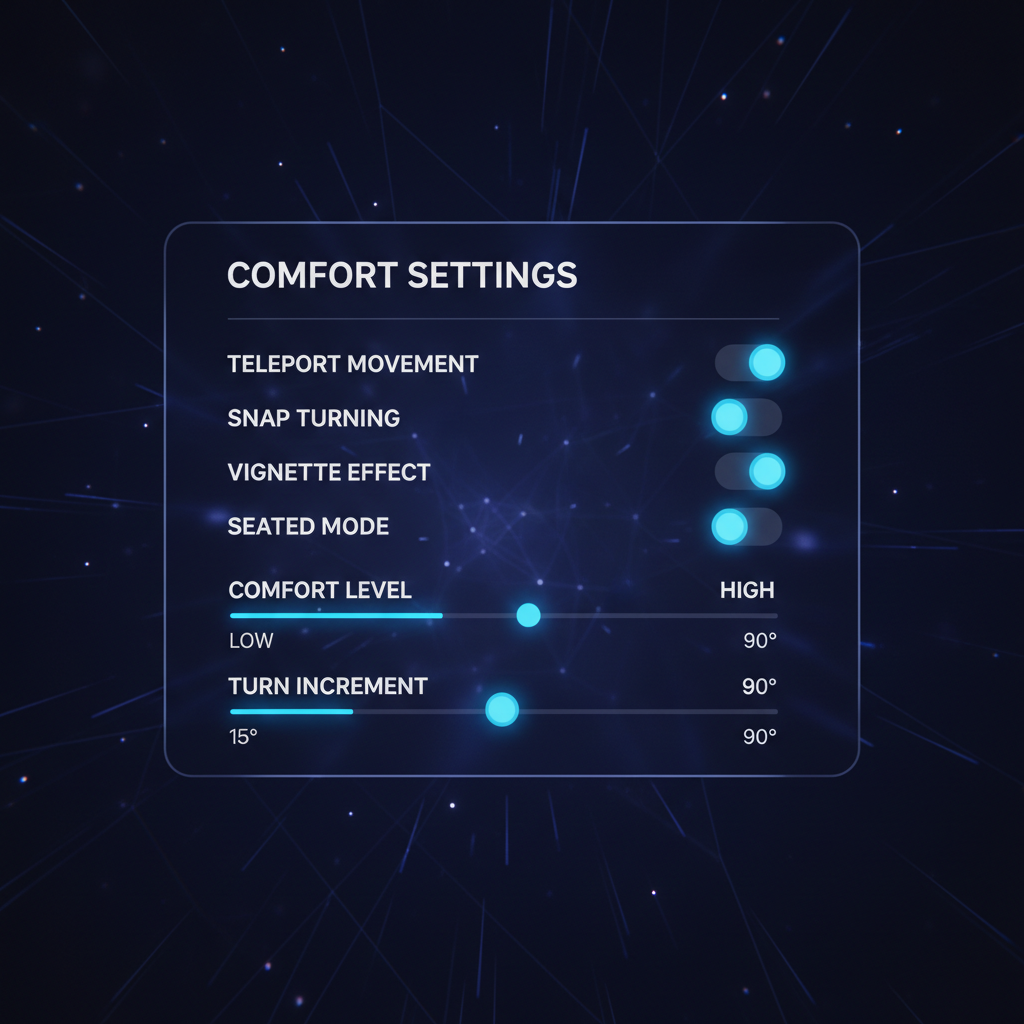
- Comfort: teleport options, vignette, snap turning, seated mode, and stable camera design.
- Production value: voice acting, animation, story pacing, and polish.
- Platform performance: consistent frame rate matters more in VR than flat games.
- Replay value: arenas, challenges, unlocks, or sandbox play.
Also, “best” often means “best for your headset.” A solid PC VR title can feel rough on standalone settings, and the reverse can also happen when a Quest-first game looks basic on a high-end rig but still plays great.
Quick comparison table: top Marvel VR picks
These are the titles that usually come up when someone asks for the best vr marvel games 2026 list. Availability changes by platform and region, so treat this as a shortlist to verify on your store.
| Game | Best for | Comfort level | Why people like it |
|---|---|---|---|
| Marvel’s Iron Man VR | Flight fantasy, set pieces | Medium (tuneable) | Arm-thruster flying feels uniquely VR, strong “I am Iron Man” moments |
| Marvel’s Spider-Man: Far From Home VR | Free “taste” of web-swinging | Medium to Low (for sensitive players) | Instant Spider-Man vibe, quick to try, great demo for friends |
| Marvel Powers United VR | Co-op superhero brawling | Medium | Pick a hero, jump into team fights, arcadey fun when it clicks |
| Doctor Strange VR-style experiences | Hand-tracking magic, puzzles | High | Gesture-based spell casting, calmer pace, good for VR newcomers |
| Marvel-themed mods/experiences (PC VR) | Tinkerers, sandbox fans | Varies | Custom content, experiments, “toybox” energy |
Key point: if you’re motion-sensitive, comfort matters more than franchise love. You can adore Marvel and still bounce off a game that forces smooth turning or fast flying out of the box.
Top picks and why they hold up
Marvel’s Iron Man VR (still the easy recommendation)
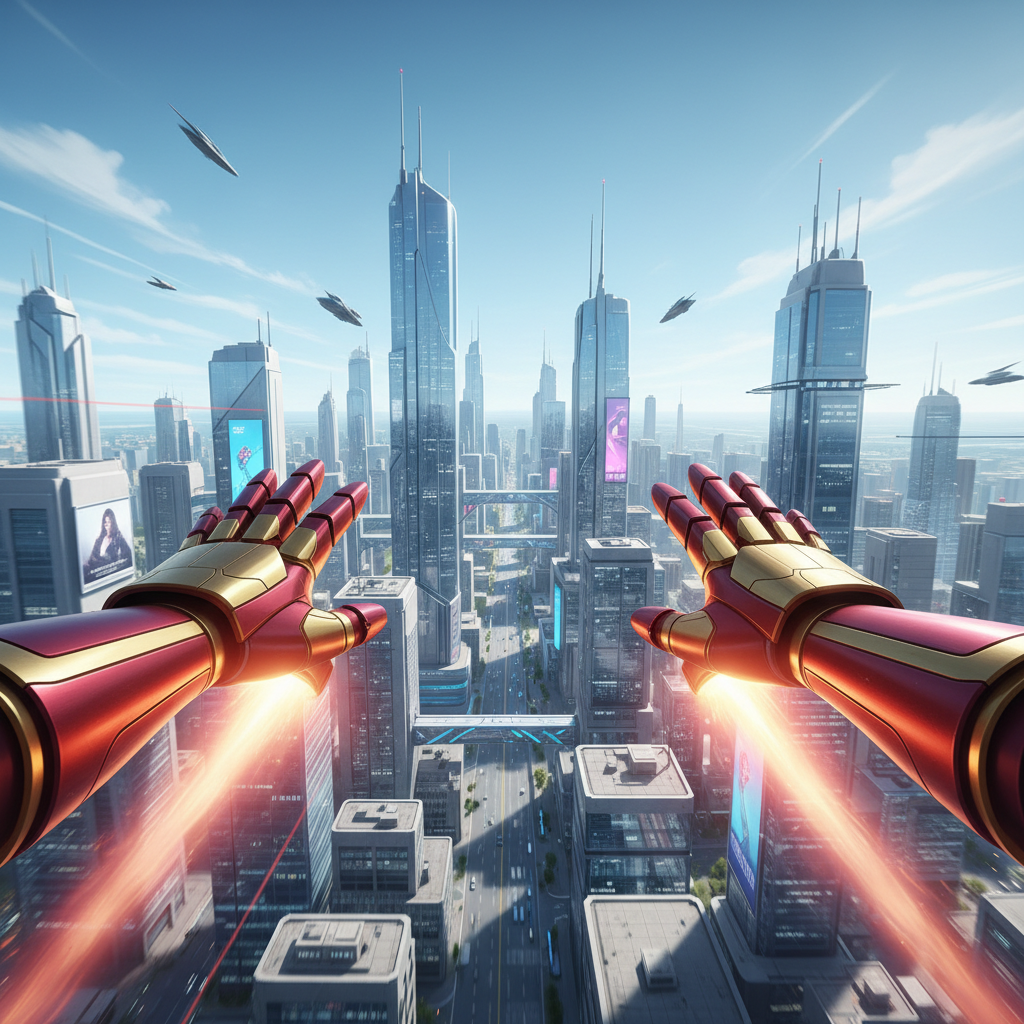
Iron Man VR works because the core idea is simple and physical: you aim your palms, you manage boost, you learn to stabilize. When it’s dialed in, the flight loop feels like VR doing what flat games can’t.
- Who should buy it: players who want spectacle and don’t mind learning comfort settings.
- What can annoy you: early movement adjustment, occasional “VR legs” required for longer sessions.
- Best tip: start with comfort options turned up, then slowly reduce them only if you feel great.
According to the VR Health & Safety guidance commonly included by headset manufacturers like Meta, taking regular breaks and stopping when you feel discomfort is recommended. In practice, Iron Man VR is the kind of game where breaks actually improve your performance too.
Spider-Man: Far From Home VR (best quick hit, not a full game)
This one is more “experience” than deep campaign, and that’s fine if you treat it like a free sampler. It’s often the fastest way to answer, “Do I even like web-swinging in VR?”
- Who it fits: new VR owners, Marvel fans who want a short session, party demos.
- What to watch: swinging can trigger discomfort for some people, even with comfort aids.
If you’re curating the best vr marvel games 2026 list for your household, this is the “try it before you buy anything else” option, when it’s available on your platform.
Marvel Powers United VR (best when you want co-op energy)
Powers United is at its best when you stop expecting a single-player story and start treating it like a co-op arcade night. Pick a hero, lean into the abilities, enjoy the chaos.
- Who it fits: friends who already play VR, players who want quick missions.
- Potential downside: depending on current platform support and matchmaking, the “co-op magic” can be inconsistent.
Doctor Strange-style VR experiences (best comfort pick)
Not every Marvel VR session needs speed. Magic-and-puzzle experiences tend to be slower, more hand-focused, and more comfortable, which makes them a smart choice for anyone building VR tolerance.
- Who it fits: beginners, motion-sensitive players, hand-tracking fans.
- What to expect: more interaction and puzzling, less long-form combat depth.
Why some Marvel VR games feel “off” (and it’s not just graphics)
When someone says a Marvel VR title “doesn’t feel right,” it’s usually one of these real issues, not hype or nostalgia.
- Locomotion mismatch: smooth movement without comfort options can feel great for veterans, rough for everyone else.
- Hands don’t match intent: punching, grabbing, aiming, or web-shooting needs clear feedback, otherwise you’re fighting the controls.
- Frame rate dips: in VR, stutters can feel like your inner ear got pranked.
- Scale and camera: being too tall/short, forced camera effects, or sudden acceleration can break immersion fast.
- VR-first vs port: ports can be fine, but VR-native design usually wins on comfort and interaction.
According to the Federal Trade Commission (FTC), digital purchases can have platform-specific refund policies and restrictions, so it’s worth checking the exact store policy before you “test buy” a game for comfort.
Self-check: which Marvel VR game should you start with?
If you want a quick, honest way to pick, answer these without overthinking.
- I get motion sick easily: start with slower, hand-focused experiences, or use aggressive comfort settings.
- I want the strongest superhero fantasy: Iron Man VR usually delivers the biggest “only in VR” moments.
- I only have 15–30 minutes at a time: Spider-Man Far From Home VR fits short sessions.
- I play with friends: co-op titles like Powers United can beat solo story, assuming you can actually queue together.
- I love tinkering: PC VR mods and community experiences can be fun, but expect setup time.
Rule of thumb: choose comfort first, then power fantasy. You can grow into intense movement, but it’s hard to enjoy anything while fighting nausea.
Practical setup tips: get better comfort and better aiming
Most “this game is janky” complaints improve with boring fixes. Not all, but a lot.
Comfort and motion
- Turn on snap turning if smooth turning bothers you, then lower the snap angle later.
- Use a vignette during fast movement, it can reduce discomfort for many players.
- Play shorter sessions early on, stop when you feel off rather than pushing through.
- Set floor height correctly so your reach and scale match what the game expects.
Tracking and performance
- Improve lighting for inside-out tracking headsets, uneven lighting can degrade controller accuracy.
- Clear reflective surfaces if tracking feels jumpy.
- On PC VR, prioritize stable frame rate over ultra settings, lowering shadows often helps.
Room and safety basics
- Define a real play space, don’t “just stand somewhere” near a coffee table.
- Use wrist straps for controllers during swinging, throwing, or fast punches.
According to the U.S. Consumer Product Safety Commission (CPSC), using products as intended and keeping a safe environment helps reduce injury risk; in VR that usually translates to clear space, secure straps, and breaks when fatigued.
Common mistakes when shopping for Marvel VR games
- Buying based on trailer pacing: trailers hide comfort issues, look for gameplay clips and locomotion options.
- Ignoring platform version differences: the same title can feel different between standalone and PC VR.
- Assuming “Marvel” means long campaign: several entries are shorter experiences, which can still be worth it if priced accordingly.
- Tweaking everything at once: change one comfort setting, test 10 minutes, then adjust again.
When to seek extra help (or just stop playing)
If you get persistent nausea, dizziness, headaches, or eye strain that doesn’t fade after stopping, it’s smart to pause VR use and consider talking with a healthcare professional. If you’re sharing VR at home, be cautious with kids and follow your headset maker’s age and safety guidance, since tolerance and fit can vary a lot.
If you’re troubleshooting tech issues like constant tracking loss or performance drops, community forums and official support pages for your headset and storefront can be more useful than guessing, especially when firmware updates change behavior.
Conclusion: a simple way to pick your next Marvel VR game
If you want the cleanest “superhero in VR” recommendation, Iron Man VR is usually the safest bet, as long as you respect comfort settings and ramp up gradually. If you want something quick and shareable, Spider-Man Far From Home VR is the low-commitment option that answers the big question fast. If your fun depends on friends, prioritize co-op, but verify matchmaking and platform support before buying.
Two actions that actually help: pick one title based on your comfort level, then spend 15 minutes dialing settings before judging it. That’s how most players turn “this feels weird” into “okay, now I get it.”
FAQ
What are the best vr marvel games 2026 if I only own a Meta Quest?
Look for Marvel VR titles that are available natively on Quest or via PC streaming if you have a capable computer. Comfort options matter a lot on standalone, so prioritize games with teleport, snap turning, and clear locomotion settings.
Is Marvel’s Iron Man VR too intense for beginners?
It can be, but many beginners do fine if they start with stronger comfort settings and keep sessions short. The flying sensation is the main trigger, not the difficulty.
Why does web-swinging feel nauseating in VR?
Swinging combines acceleration, height, and quick camera changes, which can conflict with your inner ear signals. Comfort vignettes, snap turning, and gradual exposure often help, but some players simply prefer slower VR movement styles.
Are Marvel VR games long story campaigns or short experiences?
It varies. Some are designed as full games with progression, others are more like showcase experiences you replay for the sensation. Checking estimated playtime and user descriptions before purchasing saves disappointment.
Do I need PC VR to get the “best” Marvel VR experience?
Not always. PC VR can improve visuals and performance headroom, but a well-optimized standalone experience can still feel better than a poorly tuned PC setup. Stability beats raw fidelity in VR most days.
What comfort settings should I turn on first?
Snap turning, vignette during movement, and any “comfort mode” preset are good starting points. Then adjust one setting at a time so you can tell what actually improves your experience.
How do I avoid buying a Marvel VR game I can’t refund?
Check the storefront refund policy before purchase and note any playtime limits or time windows. If you’re on the fence for comfort reasons, that policy often determines whether you should test now or wait for more gameplay research.
If you want a simpler path
If you’re trying to build a small Marvel VR library without wasting money, a practical approach is to start with one “comfort-safe” pick and one “power fantasy” pick, then expand only after you confirm your tolerance and platform performance. If you want, tell me your headset model and what usually makes you uncomfortable in VR, and I can narrow the shortlist.