
how to play minecraft in vr 2026 usually comes down to one choice: do you want the “official-feeling” Bedrock route (simple, limited mods) or the Java route (more flexibility, more setup). If you pick the wrong path for your headset and PC, you’ll waste hours on gray screens, controller issues, or frame drops that make VR feel rough.
This guide focuses on what actually works in 2026 for U.S. players: headset options, the two main Minecraft editions, and practical steps to get in-game fast without turning your weekend into a driver-firmware scavenger hunt.
One more thing before we start: comfort and motion sickness vary a lot person to person. According to Mayo Clinic and other medical providers, motion sickness can be triggered by sensory mismatch, so if you get nausea or headaches, slow down and consider consulting a healthcare professional if symptoms persist.
What “Minecraft in VR” means in 2026 (Java vs Bedrock)
People search how to play minecraft in vr 2026 expecting one button. Reality: Minecraft is split into editions, and VR support depends on which one you run.
- Minecraft: Bedrock Edition: Historically the simplest way to get a VR-like experience on Windows, but features can change by platform updates. Expect fewer mods and fewer “tweak everything” options.
- Minecraft: Java Edition: The community path tends to be more flexible for VR, especially if you want custom settings and modded worlds, but setup takes more steps and your PC matters more.
So the right answer is not “use X,” it’s “use X for your edition + headset + tolerance for tinkering.”
Quick compatibility check: your headset, your PC, your patience
Before you install anything, do a 2-minute reality check. It saves a lot of frustration.
Self-check list (fast)
- Headset type: PC VR (wired/wireless) vs standalone used with PC streaming.
- PC GPU: VR wants consistent frame pacing, not just “can run Minecraft.” If you already struggle in modern 3D games, VR may stutter.
- Connection quality: Wired tends to be simpler. Wireless PC VR can be great, but your router and network setup matter.
- Goal: Vanilla survival in VR, or modded shaders + big modpacks (much heavier).
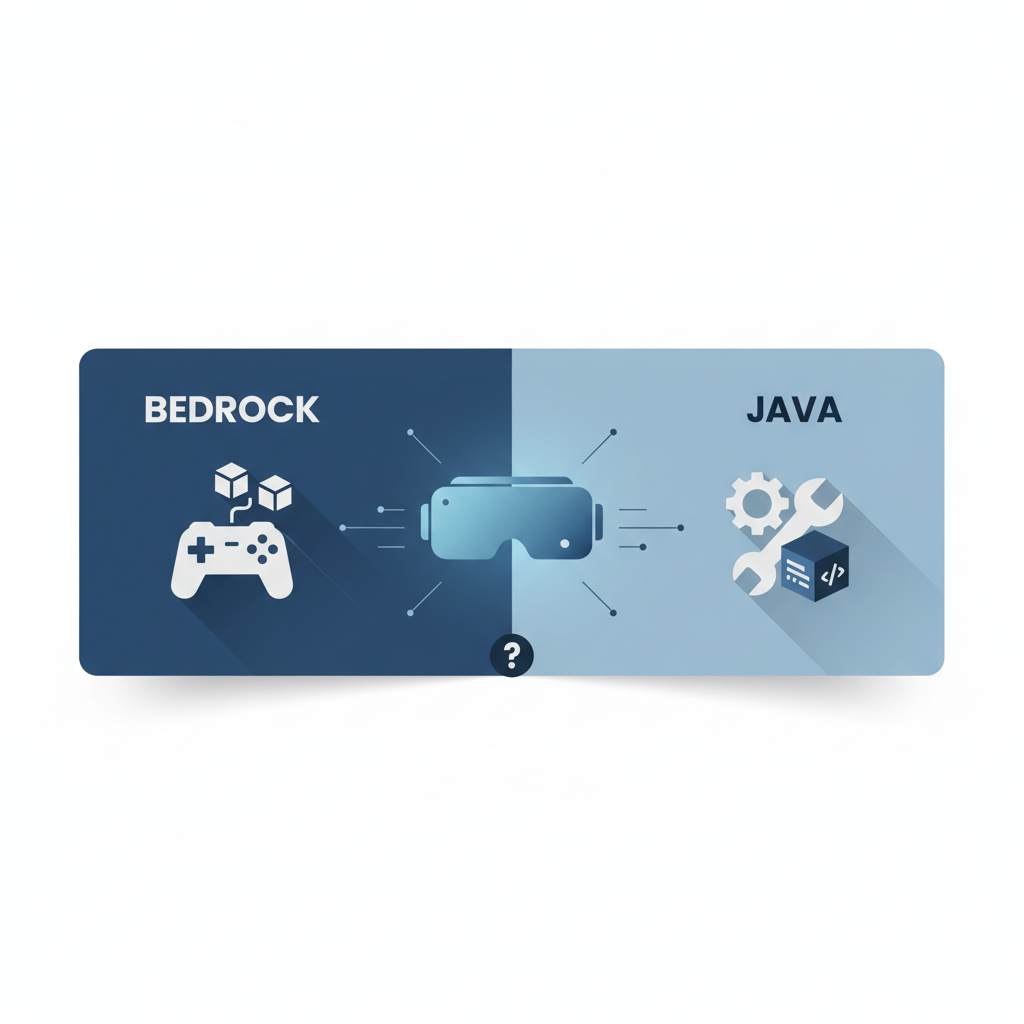
Two main ways to play Minecraft in VR (choose one)
In 2026, most workable setups fall into these buckets. Pick the one that matches your edition and how much you want to customize.
| Path | Best for | Tradeoffs |
|---|---|---|
| Bedrock / Platform VR mode | Fast setup, minimal tweaking | Fewer mods, features vary by platform updates |
| Java + VR mod | Room-scale feel, more options, many community servers/worlds | More setup steps, performance tuning often needed |
Setup steps for the Bedrock route (simpler, fewer knobs)
If your priority is “get me in a VR Minecraft world tonight,” this route is often the least painful. The exact click-path can vary by headset software updates, but the structure stays similar.
- Step 1: Update your headset app and GPU drivers, then reboot. This fixes a surprising number of launch issues.
- Step 2: Confirm your PC VR runtime works by launching any lightweight VR app first, so you know tracking and controllers behave.
- Step 3: Launch Minecraft (Bedrock) after VR runtime is active. Many setups behave better when the VR layer is already running.
- Step 4: Fix input mapping early. If you see “controller not recognized” behavior, switch input profiles in your headset software before you change Minecraft settings.
If you’re stuck on a black screen, don’t keep reinstalling for hours. Common causes are the wrong runtime selected, overlays conflicting, or a permission prompt hidden behind the game window.
Setup steps for the Java route (more flexible, more tuning)
This is the route most people mean when they ask how to play minecraft in vr 2026 and also want “real VR hands,” room-scale interaction, and better tweakability. You’ll typically run Java Edition with a VR-focused mod and a compatible mod loader.
Practical checklist (in the order that usually hurts least)
- Start with a clean Minecraft Java profile (no giant modpack). Get VR working first, then add extras.
- Match versions carefully: Minecraft version, mod loader version, and the VR mod version need to align. Version mismatch is the #1 “it launches then crashes” problem.
- Test in a fresh world with default settings. If it stutters here, adding shaders will not help.
- Only then add quality-of-life mods (performance helpers, UI tweaks). Add one at a time so you can roll back easily.
According to Minecraft Help Center (Mojang/Microsoft), keeping the game updated and verifying your installation helps reduce crashes and login problems, so it’s worth doing before you blame VR.
Performance & comfort tuning (this is where VR becomes “playable”)
Plenty of “VR Minecraft is bad” takes come from one issue: inconsistent frame timing. Your eyes forgive lower graphics more than they forgive stutter.
Settings that usually matter most
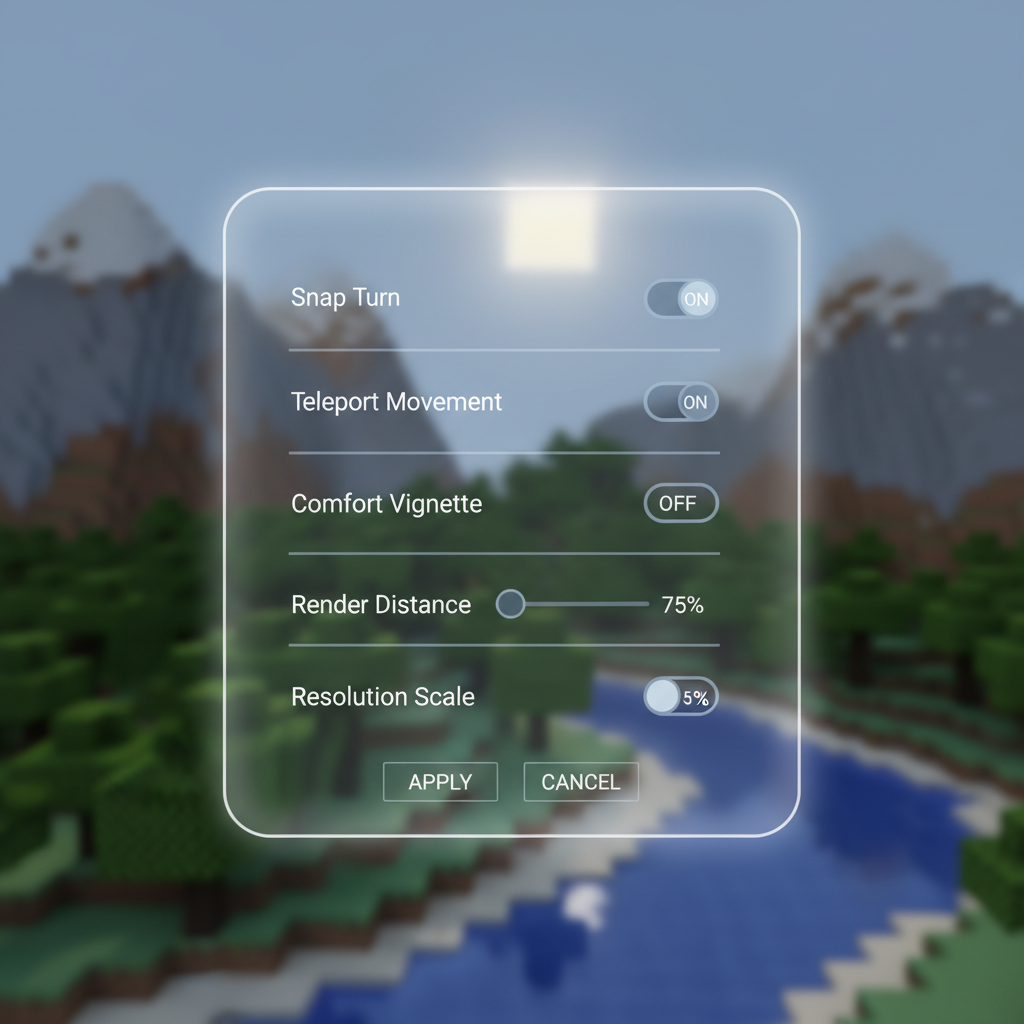
- Render distance: Lower it more than you think. VR gains a lot from stable performance.
- Shadows and fancy effects: Treat them as optional. Turn them off during setup, add later if your PC has headroom.
- Resolution scaling: If your headset software supports it, small reductions can smooth gameplay with minimal visual pain.
- Movement comfort: Snap turning, vignetting, and teleport movement can reduce nausea for many players.
If you feel dizzy, don’t “push through.” Short sessions, cooler room temp, and slower movement settings often help. If symptoms feel intense or persistent, consider professional medical advice.
Troubleshooting: the issues that waste the most time
When VR Minecraft fails, the error message often isn’t helpful. These checks tend to resolve the biggest share of “it won’t work” reports.
If the game launches on monitor but not in the headset
- Confirm the correct VR runtime is selected in your headset/PC VR software.
- Disable extra overlays temporarily (performance overlays, capture tools) and retry.
- Run both the VR app and Minecraft as the same permission level, mixed admin/non-admin can break input or injection layers.
If controllers don’t work or hands are weird
- Re-bind controls in the headset app first, then in-game.
- Switch to a known-good community binding profile if your platform supports it.
- Test controllers in another VR title to rule out tracking issues.
If you get stutter or “rubber band” movement
- Lower render distance and effects before changing anything else.
- On wireless PC VR, test wired once. This isolates network problems quickly.
- Close browser tabs, launchers, and background recorders that spike CPU.
Key takeaways + a simple “do this next” plan
If you’re trying to play how to play minecraft in vr 2026 the “right way,” the best move is choosing the route that matches your goals, then getting a stable baseline before you chase better visuals.
- Want fast setup: start with the Bedrock/platform approach and keep expectations realistic about mods.
- Want the deepest VR feel: go Java + VR mod, but treat version matching and performance tuning as part of the deal.
- Want comfort: prioritize stable frame pacing and comfort movement options over graphics.
Action step: pick your route today, then do one clean test session in a fresh world, no shaders, no extra mods. Once that feels smooth, you can upgrade visuals and customization without guessing.
FAQ
What do I need to play Minecraft in VR in 2026?
You typically need a VR headset that can run PC VR (wired or streamed), a Windows PC capable of stable VR performance, and either Bedrock edition support or Java plus a VR mod setup.
Is Minecraft VR available on standalone headsets without a PC?
Sometimes people expect a native standalone app, but in many cases Minecraft VR is more reliable when you connect the headset to a PC. Availability can change with platform updates, so it’s worth checking your headset’s current store and documentation.
Which is easier for VR: Minecraft Java or Bedrock?
Bedrock is often simpler to start, while Java tends to offer more VR-focused customization through mods. The “easier” choice depends on whether you value quick setup or deep control.
Can I use shaders or RTX in Minecraft VR?
You can try, but VR is less forgiving than flat-screen play. Many setups work better if you first lock in smooth performance, then experiment with lighter visual upgrades rather than jumping straight to heavy shader presets.
Why do I feel nauseous playing Minecraft in VR?
VR nausea can come from motion mismatch, low frame rate, or aggressive smooth turning. Comfort settings like snap turn and teleport movement can help, and if symptoms are strong or persistent, consider consulting a healthcare professional.
How do I fix a black screen when launching Minecraft in VR?
Most of the time it’s a runtime or overlay conflict. Verify the correct VR runtime is active, disable overlays temporarily, and make sure permission levels match between the VR app and the game.
Do I need special controllers for Minecraft VR?
Usually no, standard motion controllers that come with your headset work, but bindings can vary. If inputs feel wrong, try a different binding profile in your VR platform software before editing game configs.
If you’re stuck choosing between Bedrock and Java, or you want a smoother setup without the trial-and-error loop, it can help to list your headset model, PC specs, and whether you care about mods or just want vanilla survival, then follow a route that matches that exact mix.