
best vr face cover for quest 3 is usually the first upgrade people notice day one, because the stock interface can trap heat, soak up sweat, and leave red marks even when the headset optics feel perfect.
If you play fitness apps, share your headset with family, or wear the Quest 3 for longer sessions, the face cover becomes less “accessory” and more “comfort and hygiene.” It changes how stable the headset feels, how much light leaks in, and how often you need to pause to wipe everything down.
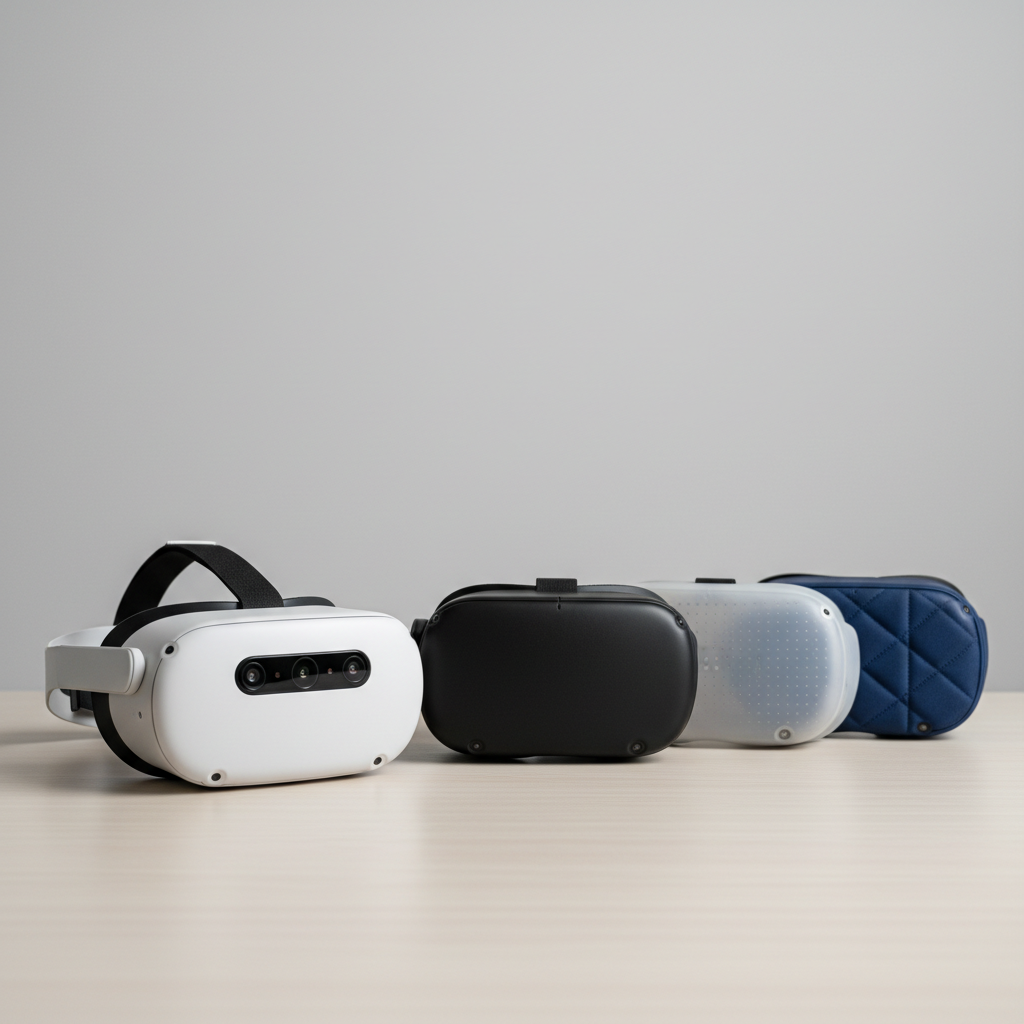
One quick heads-up: there isn’t one single “best” option for everyone. What works for a sweaty workout session often feels too sealed for casual gaming, and what feels plush can become annoying to clean. This guide helps you pick based on your actual use, not just a product page checklist.
What “best” really means for a Quest 3 face cover
A face cover is doing a few jobs at once: managing sweat, blocking light, spreading pressure across your cheekbones and forehead, and keeping the headset stable when you move.
When people say “this is the best VR face cover,” they’re usually reacting to one of these improvements:
- Comfort: less pressure, fewer hot spots, better cushion feel.
- Hygiene: wipe-clean surfaces, less sweat absorption, fewer odors over time.
- Heat management: less foggy lenses, less “face sauna” feeling.
- Fit: better seal for immersion, or intentional airflow for workouts.
- Glasses compatibility: more room, fewer frame bumps (varies by interface shape).
According to Meta, wearing the headset correctly and keeping contact surfaces clean helps reduce irritation and discomfort. A better interface doesn’t replace good fit, but it can make good fit easier to maintain.
Common reasons the stock Quest 3 interface feels “off”
Most complaints come down to friction, moisture, or pressure distribution, not the headset weight itself.
- Sweat soaks in: foam-like materials can absorb moisture, then feel clammy and start to smell.
- Heat builds up: tighter seals boost immersion but can raise facial temperature, especially in fitness titles.
- Pressure points: if the facial pad is too firm or the contour doesn’t match your face, you feel it on the brow or cheekbones.
- Light leakage: gaps around the nose or cheeks break immersion and can affect lens clarity perception.
- Sharing the headset: swapping users makes hygiene and quick cleaning more important than softness.
Quick self-check: which face cover type fits your use?
If you’re not sure where to start, this is the fastest way to narrow it down.
- You do workouts (Supernatural, FitXR, Beat Saber for cardio): prioritize wipe-clean materials, airflow, and sweat control.
- You play long sessions (2+ hours): prioritize pressure distribution and “soft but supportive” padding.
- You share Quest 3 with family/friends: prioritize fast cleaning, swappable pads, and durability.
- You get lens fog: prioritize ventilation channels or a slightly less sealed interface.
- You wear glasses: prioritize stable fit and enough clearance; consider prescription inserts if glasses are a constant hassle.

Key point: if discomfort shows up within 10 minutes, it’s often a fit/pressure issue. If it shows up after 30–60 minutes, it’s often heat and moisture management.
Materials compared: PU leather vs silicone vs fabric (and why it matters)
This is where most “best vr face cover for quest 3” debates actually live. The material changes cleaning, sweat feel, and how the seal behaves.
Material comparison table
| Material | Comfort feel | Sweat & hygiene | Heat/fog tendency | Best for |
|---|---|---|---|---|
| PU leather (wipeable) | Supportive, smooth | Easy to wipe, less absorption | Can feel warmer if fully sealed | Fitness + shared headsets + quick cleaning |
| Silicone cover (slip-on) | Can feel “grippy,” sometimes sticky | Very easy to clean, non-absorbent | Often warmer, can trap sweat | Budget hygiene upgrade, sweat-heavy users who wipe often |
| Fabric / breathable foam | Softest for many faces | Absorbs sweat, needs washing | Often cooler, but can stay damp | Comfort-first, casual play, cooler rooms |
| Vented/“fitness” interfaces | Varies by pad | Usually wipeable | Better airflow, less fog risk | High-intensity workouts, fog-prone users |
If you hate the “wet sponge” feeling, lean toward wipeable PU leather. If you hate the “sealed helmet” feeling, look for venting and avoid overly thick pads.
How to choose the best VR face cover for your scenario
Instead of chasing a single winner, match the interface to the way you actually use Quest 3.
Scenario A: Fitness and sweat-heavy sessions
- Pick: wipeable PU leather or a vented fitness-style interface.
- Look for: a firm enough pad that won’t collapse when wet, plus a good nose area seal if light leakage annoys you.
- Avoid: plush fabric pads unless you’re willing to wash/dry frequently.
Small reality check: even the best material won’t “stop sweat.” It just makes sweat less gross to manage, and faster to clean.
Scenario B: Long, relaxed gaming sessions
- Pick: a comfort-focused pad, often slightly thicker or softer than stock.
- Look for: even pressure distribution across the forehead and cheeks, not just softness.
- Tip: if you keep tightening the strap to improve clarity, the face cover might be collapsing and changing lens distance.
Scenario C: Sharing a headset (family, parties, demos)
- Pick: wipeable surfaces and swappable pads (two pads can be more useful than one “premium” pad).
- Build a routine: quick wipe after each user, deeper clean weekly.
Scenario D: Glasses or sensitive skin
- Glasses: prioritize stable fit so frames don’t shift; consider lens inserts if you frequently bump frames.
- Sensitive skin: avoid rough fabrics and harsh cleaners; irritation can be material + cleaning product, not just the pad.
According to the American Academy of Dermatology Association, avoiding fragrance and using gentle cleansing habits can help reduce irritation for sensitive skin. If you get persistent redness or rash from headset contact, consider asking a dermatologist for guidance.
Installation, fit tuning, and cleaning (where most people win or lose)
Even the best vr face cover for quest 3 can feel mediocre if fit is off. Take five minutes to dial this in.
Install and fit steps
- Seat the interface evenly: press around the perimeter so it sits flush, no gaps.
- Check lens-to-eye distance: if your cover is thicker, you may need strap adjustments to keep clarity.
- Do a light leak test: put on the headset, look around a dark scene, then gently press cheek/forehead areas to find gaps.
- Fix pressure the right way: loosen slightly, then adjust top strap so weight distributes to the crown, not only the face.
Cleaning that won’t ruin the material
- Wipeable PU leather/silicone: usually a damp microfiber cloth works, then air dry.
- Fabric pads: follow the brand instructions; many need hand-washing and full drying to avoid odor.
- Avoid: soaking adhesives, using aggressive solvents, or leaving pads in direct heat.
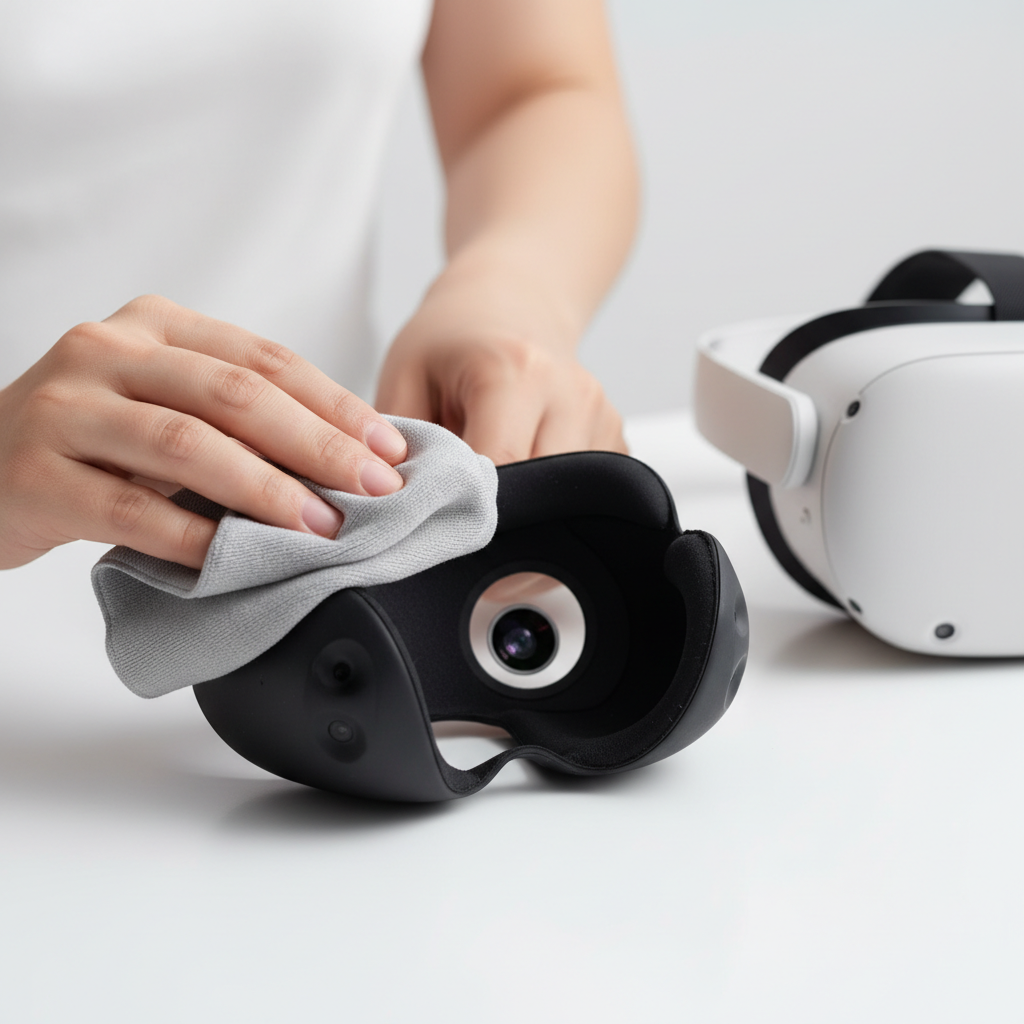
Safety note: if you use disinfecting wipes, check they’re compatible with synthetic leather and plastics, and keep moisture away from lenses and speaker openings. When in doubt, follow the headset and accessory care instructions from the manufacturer.
Common mistakes that make a “good” face cover feel bad
- Buying the thickest pad for comfort: thicker can reduce FOV a bit and increase heat, depending on facial shape.
- Over-tightening the strap: it can create the very pressure points you’re trying to solve.
- Ignoring fog root causes: fog is often temperature shift and poor airflow, not just “sweaty lenses.”
- Mixing cleaners: residue can irritate skin and degrade materials over time.
- Assuming one cover fits all faces: nose shape and cheekbone width change how the seal works.
Bottom line: what to buy, in plain English
If you want a practical default choice, a wipeable PU leather interface is often the safest “most people will like it” answer for Quest 3, especially if sweat and cleanup are your main pain points. If you mainly play seated games and prioritize softness, a breathable fabric-style pad can feel nicer, as long as you treat washing as part of ownership.
Two action steps that usually pay off fast: pick a material that matches your sweat level, then spend a few minutes tuning strap tension so the headset sits stable without squeezing your face. That combo does more than chasing yet another accessory.
If you want the simplest path, choose one cover for workouts and keep a second, cleaner-feeling pad for longer relaxed sessions. It’s not fancy, it’s just realistic.