
best free vr games on steam 2026 is a search you make when you want something fun right now, without paying $20 just to find out your headset hates the controls, or your PC stutters the moment you load in.
The good news, Steam’s free VR catalog is much better than it used to be, but it’s also messier: demos that never update, “VR supported” labels that really mean “VR tolerated,” and multiplayer lobbies that are empty outside peak hours.
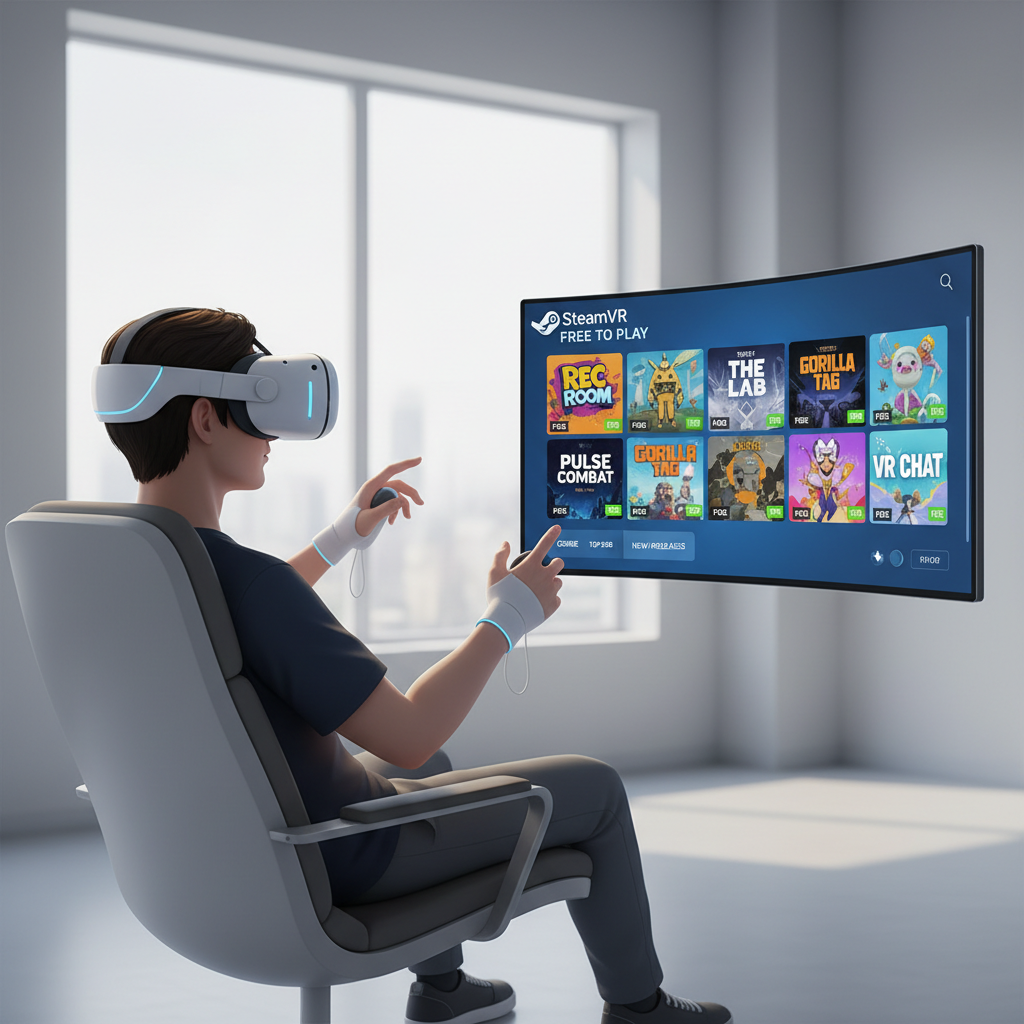
This guide focuses on what typically matters in real play: comfort, tracking demands, motion sickness risk, active player base, and whether a game stays fun after the first “wow.” You’ll get a short list, a quick way to pick the right genre for your setup, and a few practical tweaks that make free VR feel less janky.
What “free VR on Steam” actually means in 2026
Steam uses a few different buckets that all look “free” on the store page, but play very differently once you install.
- True free-to-play games: the full game is free, often supported by cosmetics or optional upgrades.
- Free “experiences”: short showcases, tours, or tech demos, fun for 10–30 minutes.
- Free prologues: a slice of a paid game, sometimes generous, sometimes a teaser.
- Early access freebies: can be great, can also stop updating without warning.
According to Valve (Steam), the store labels like “VR Only” and “VR Supported” are set by developers and can vary in how strict they are, so it’s smart to double-check motion options and input support before you commit your evening.
A quick checklist to find your “fits my headset + stomach” picks
Before grabbing a dozen installs, use this as a sanity filter. It saves time, and it’s usually the difference between a great first session and uninstalling VR for a month.
- Your headset and runtime: SteamVR-native headsets tend to be simplest; other headsets may rely on OpenXR or additional software.
- Plays seated vs room-scale: if you’re in a small space, prioritize seated/standing titles with snap turn and teleport.
- Locomotion options: look for teleport, snap turning, vignette, and adjustable smooth movement.
- Hands vs controllers: some “VR supported” games expect gamepad, which can feel awkward in VR.
- Multiplayer reality check: free multiplayer is amazing when lobbies exist, frustrating when they don’t.
If you’re sensitive to motion sickness, consider starting with teleport-based games and short sessions; if symptoms persist, it may help to talk with a healthcare professional.
Best free VR games on Steam 2026: a practical shortlist
This is the part most people want: what to install first. The list below leans toward titles and categories that tend to hold up in 2026, but availability and “free status” can change, so treat it as a living shortlist and verify on Steam before downloading.
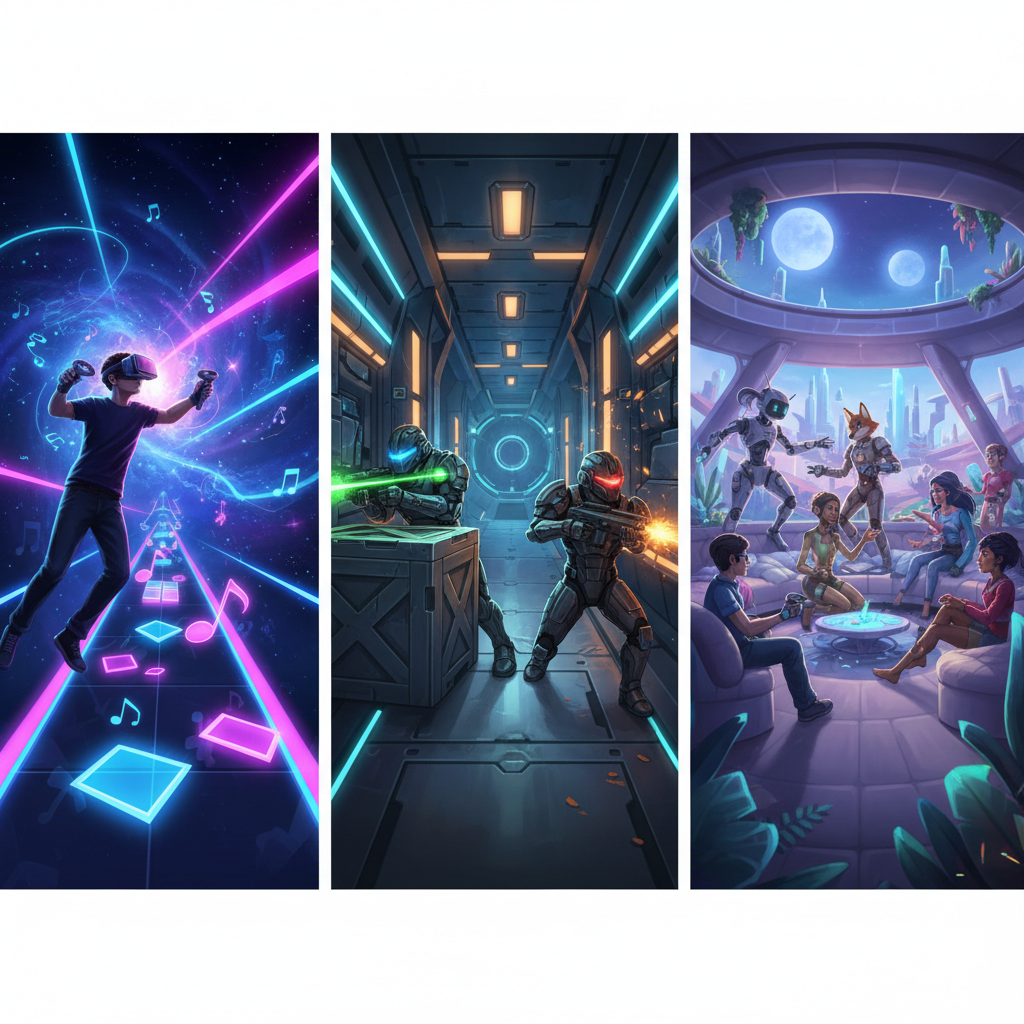
Free VR staples that many players start with
- VRChat (social): huge variety, from chill rooms to chaotic events. Great with friends, also fine solo if you like people-watching.
- Rec Room (social + mini-games): easier onboarding than many social apps, lots of bite-sized activities.
- Bigscreen Beta (watching + hangouts): more “shared screen” than “game,” but it’s one of the best free uses of a headset.
- The Lab (mini experiences): still one of the cleanest “VR feels good” intros for new players.
- Google Earth VR (exploration): not a game loop, but it remains a reliable wow-moment.
Genres that tend to deliver the best “free value”
- Rhythm/fitness-lite: good replay value, often comfortable because your brain accepts standing-in-place motion.
- Arena shooters: great when active, but check recent player activity and whether bots exist.
- Puzzle rooms and short narrative experiences: perfect for free, because 20–60 minutes can feel complete.
- Asymmetric party games: one player in VR, others on phones/PC, surprisingly good for groups.
Table: pick by mood, not by hype
| What you want tonight | Best free VR direction | Why it works | What to watch for |
|---|---|---|---|
| Zero nausea, quick fun | Teleport puzzles, mini-experiences | Low motion, fast payoff | Some are one-and-done |
| Hang out with friends | Social VR apps | Content never really ends | Moderation and comfort settings matter |
| Shoot stuff, feel skill growth | Arena shooters / co-op modes | High replay if population stays healthy | Locomotion comfort varies a lot |
| Chill, “wow” moments | Exploration experiences | Instant VR spectacle | Can be more museum than game |
How to evaluate a free VR game on Steam in 90 seconds
Free games cost money in time, storage, and patience. Here’s a fast check that usually predicts whether a download turns into actual play.
- Read the recent reviews, not the lifetime score: look for patterns like “abandoned,” “broken after update,” or “servers dead.”
- Search within reviews for “comfort” and “teleport”: players will tell you if smooth locomotion is forced.
- Check last update date: it’s not everything, but long silence plus bug reports is a red flag.
- Look at required play space: room-scale-only can be a dealbreaker in a small apartment.
- Confirm controller support: especially if you use non-Index controllers.
This is also where the keyword search matters: if you’re still browsing best free vr games on steam 2026, use it as a filter idea, then validate with reviews and update notes before you hit install.
Practical setup tips that make free VR feel less “free”
Many “bad game” complaints are really setup friction. A few tweaks tend to improve comfort and clarity across almost every title.
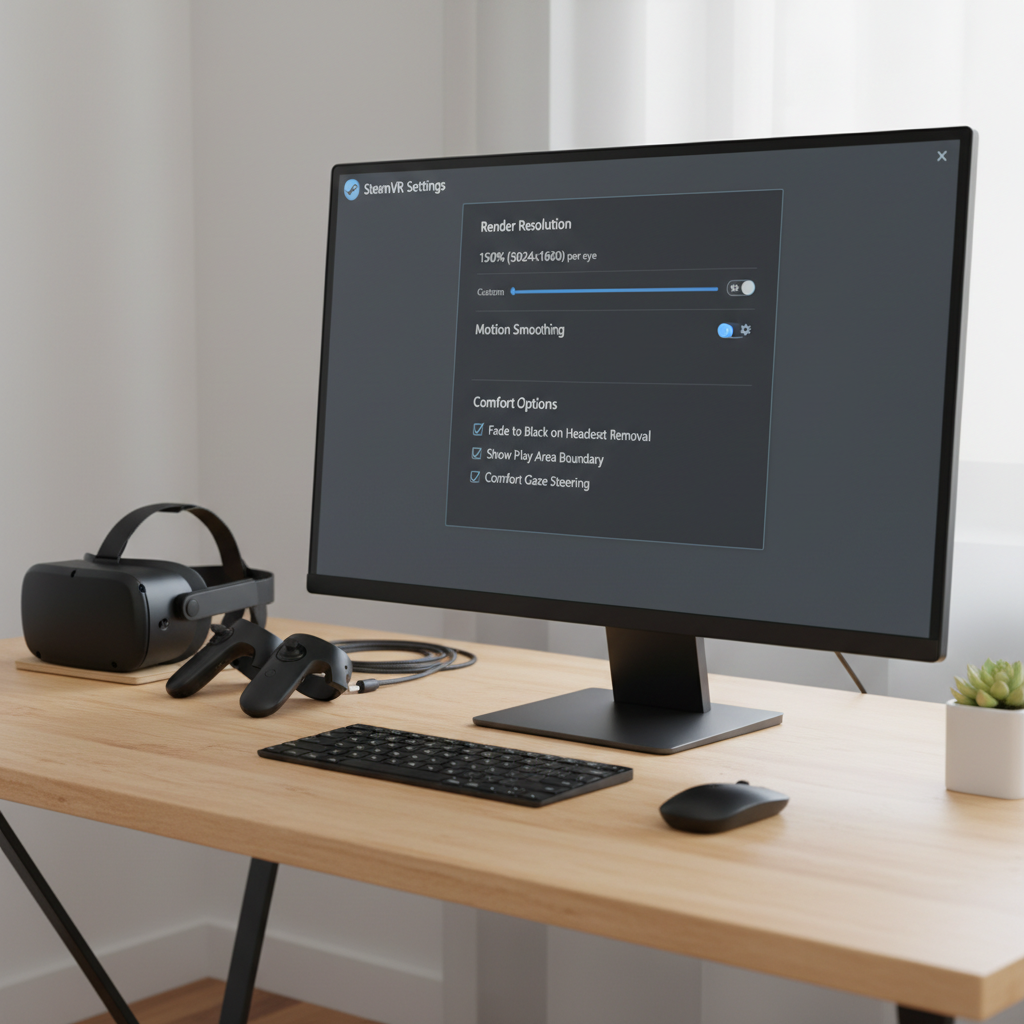
- Start with stable frame rate over sharpness: lower render resolution a bit before turning on fancy effects, comfort improves when frames stay consistent.
- Use snap turn + teleport at first: smooth turning is the fastest way to feel rough if you’re new or tired.
- Calibrate height and floor: small tracking offsets make grabbing and aiming feel wrong, even in polished games.
- Audio matters: spatial audio helps orientation, which can reduce “where am I” stress.
According to SteamVR documentation from Valve, resolution scaling and motion smoothing settings can meaningfully impact performance, so it’s worth setting a baseline profile you can reuse across installs.
Common mistakes that ruin free VR nights
These show up constantly, especially when people bounce between a few free installs and decide VR “isn’t there yet.” It often is, but the defaults can betray you.
- Assuming all free VR is low quality: some free titles are genuinely polished, while some paid ones are messy, judge per game.
- Ignoring comfort settings: many games hide them in “accessibility” or “comfort,” not “controls.”
- Over-downloading: installing ten games creates decision fatigue; pick two, tune settings once, then actually play.
- Trying smooth locomotion on day one: you can work up to it, but forcing it can sour VR fast.
- Chasing “most popular” without checking your space: room-scale requirements can be a hard stop.
Key takeaways + a simple plan for tonight
If you want the quickest win from best free vr games on steam 2026 searches, aim for comfort-first picks and verify they match your setup, the “best” game is the one you can play for more than ten minutes without fighting the UI.
- Pick one social app or one comfort-friendly mini-game as your anchor install.
- Do a 5-minute settings pass (snap turn, teleport, resolution baseline) before judging the game.
- Add one “wildcard” genre after you’ve warmed up, rhythm or puzzles are usually safe bets.
Want a low-effort next step, open Steam, filter to Free to Play + VR, then cross-check recent reviews for comfort notes and active player mentions, you’ll avoid most dead ends.