
best vr city builder games 2026 is a search that usually means one thing: you want that “I’m really there” feeling while still getting the satisfying, long-term planning loop of a classic city sim, and you don’t want to waste money on a VR title that turns out to be a shallow toy.
VR city builders can be incredible, but they also come with practical friction, comfort, controller learning curves, and sometimes limited endgame depth compared with PC giants. The good news is you can filter options fast if you know what to look for.
This guide focuses on how to pick a VR city builder that matches your platform, comfort level, and “builder brain”, plus a short list of standout games and a quick comparison table you can screenshot.

What “Best” Means for VR City Builders in 2026
In flat-screen city sims, “best” often means complexity and scale. In VR, “best” tends to mean a mix: you still want depth, but you also want controls that feel natural, readable information, and comfort that holds up after 45 minutes.
- Comfort: smooth locomotion vs teleport, camera stability, seated play support.
- Clarity: UI legibility in-headset, zoom levels, good tooltips.
- Depth: zoning and budgeting, citizen needs, supply chains, progression, sandbox tools.
- Build feel: placing roads/buildings with precision, terrain tools, undo/redo quality.
- Platform fit: Quest standalone vs PC VR, performance headroom, mod support (sometimes).
Key takeaway: a “top-rated” game can still be wrong for you if its camera movement or UI causes fatigue, or if it’s more of a diorama toy than a management sim.
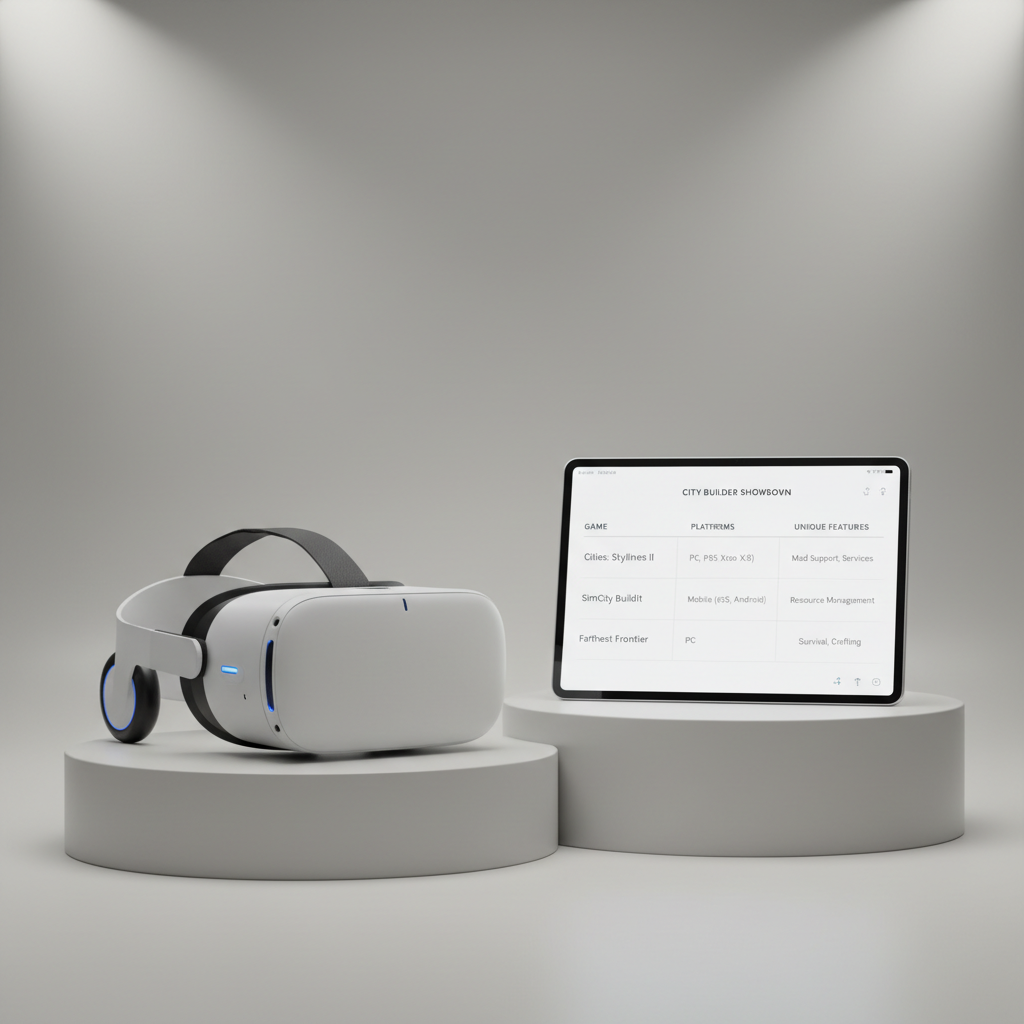
Quick Comparison Table (Comfort, Depth, Platform)
This table is intentionally practical. Treat it like a shortlist filter, not a definitive ranking, because patches and platform differences can shift the experience over time.
| Game | Style | Best for | Comfort | Platform notes |
|---|---|---|---|---|
| Little Cities | Cozy city sim | Relaxed building, clean UI | High | Often best on Quest for grab-and-build simplicity |
| Deisim | God game / settlement | Hands-on world shaping | High | Great room-scale vibe, lighter “city budget” depth |
| Townsmen VR | Medieval management | Production chains, goals | Medium-High | More “scenario management” than pure freeform metropolis |
| Per Aspera VR | Sci‑fi colony builder | Strategic planning on Mars | Medium | Typically stronger on PC VR due to scale and readability |
| Cities: VR | Modern city sim | Classic zoning loop in VR | Medium | Depends heavily on performance and UI comfort for you |
Top Picks: Best VR City Builder Games to Consider
Below are VR city builders that tend to come up repeatedly for good reasons: they commit to VR interactions, keep UI readable, and deliver enough progression to feel like a “real game,” not just a cute sandbox.
Little Cities
If you want a clean, approachable loop, this is often the easiest recommendation. The pacing stays friendly, building placement feels natural, and it’s the kind of title people actually keep installed because it’s low-friction.
- Why it works: readable UI, simple zoning, satisfying expansion.
- Watch for: if you crave deep macroeconomics, it may feel light.
Cities: VR
This one appeals to players who want the familiar “zone, grow, fix traffic” rhythm in VR. Your mileage can vary depending on how sensitive you are to performance dips or busy UI in-headset.
- Why it works: recognizable modern city formula, constant optimization problems.
- Watch for: long sessions can feel UI-heavy, comfort settings matter.
Townsmen VR
Not a glass-and-steel metropolis builder, but a strong pick if you enjoy production chains and scenario goals. It scratches the “I built an economy” itch, just with a smaller footprint.
- Why it works: tangible management, clear objectives, charming feedback.
- Watch for: if you only want sandbox mode, check the game’s mode options first.
Per Aspera VR
More strategic and more contemplative, with a colony-building feel where planning matters. Many players prefer this type on PC VR because fine details and big maps tend to benefit from extra performance and clarity.
- Why it works: scale, long-term planning, sci‑fi atmosphere.
- Watch for: reading small interface elements can be tiring for some.
Deisim
Not a “city hall budget spreadsheet” game, but if you love shaping terrain and guiding settlements like a hands-on deity, Deisim can feel uniquely VR-native. It’s also one of the better “pick up and play” options.
- Why it works: physical interaction, fast feedback loop, playful experimentation.
- Watch for: it leans god-game; pure city-sim fans may want more systems.
How to Choose: A Simple Self-Check (2 Minutes)
Before you buy, answer these honestly. Most “bad purchases” happen because the player wants one thing, but grabs a game built for another.
- I get motion sick easily: prioritize teleport options, stable camera, slower panning, and games praised for comfort.
- I hate tiny UI: look for big labels, high-contrast UI, strong zoom tools, and seated support.
- I want deep management: choose titles that emphasize budgets, traffic/flow, production chains, or colony logistics.
- I mainly want to “paint” cities: cozy builders and god games tend to satisfy faster than hardcore sims.
- I play on Quest standalone: be realistic about sim scale, and value clean performance over maximum complexity.
Quick rule: if you want hours-long optimization sessions, pick the game with the clearest UI and the best undo/redo tools, not the flashiest trailer.
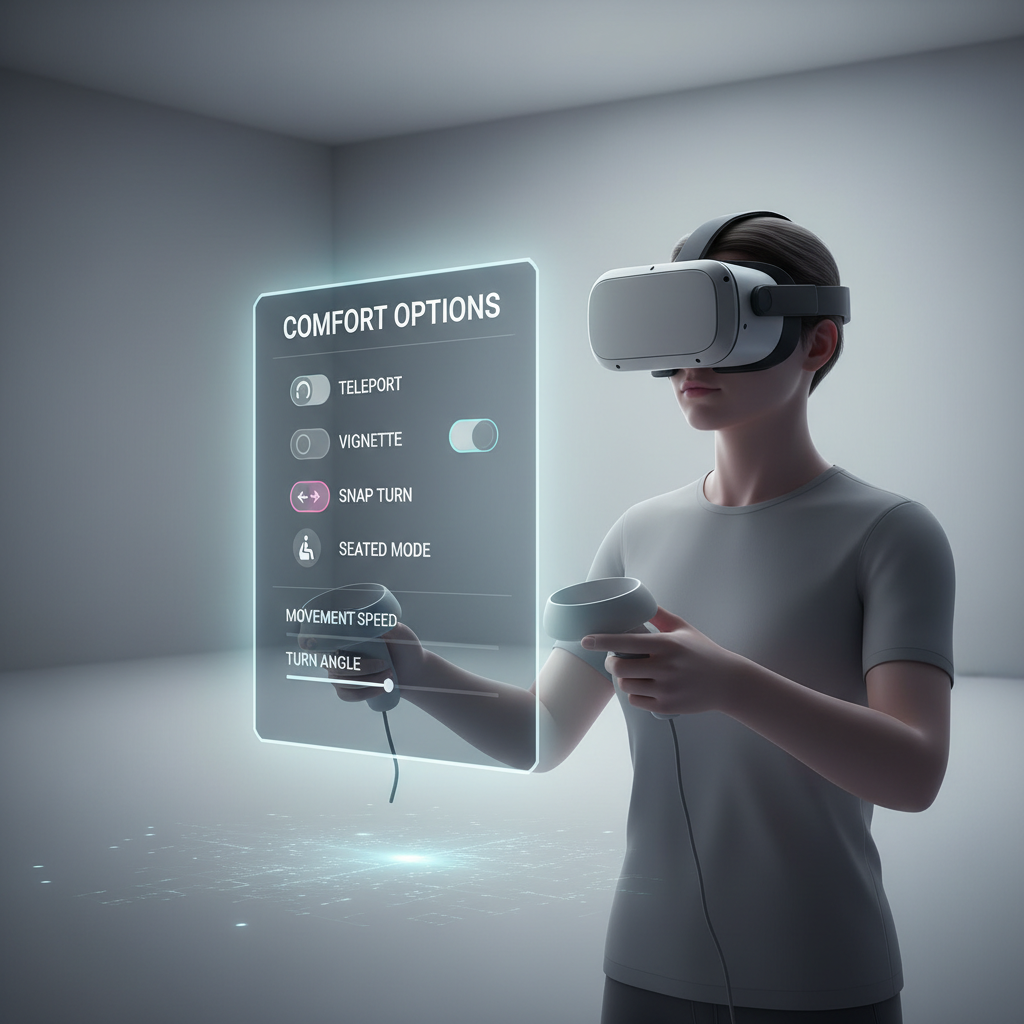
Practical Setup Tips for Better Building (Comfort + Precision)
Even the best vr city builder games 2026 can feel clumsy if your setup fights you. A few small adjustments usually improve accuracy and reduce fatigue.
- Start seated if the game supports it, then move to standing once controls feel automatic.
- Use snap turn if smooth turning makes you uncomfortable, many people tolerate snap better.
- Dial in IPD and fit: a slightly blurry headset makes UI feel “bad” even when the game is fine.
- Prefer slower camera speed for placement-heavy sessions, precision beats speed.
- Set a session timer: if you’re new to VR, 20–40 minutes can be a better starting point.
According to the American Academy of Ophthalmology, taking breaks and listening to discomfort signals is a sensible approach for many screens and head-mounted displays, if you have eye strain or headaches that persist, it’s worth checking with a clinician.
Common Mistakes That Make a “Good” Game Feel Bad
A lot of frustration isn’t about the game being “wrong,” it’s about expectations and settings mismatches.
- Buying for screenshots: pretty dioramas can be fun, but they may not deliver long-term management depth.
- Ignoring comfort options: the default movement setting may not suit you, especially on day one.
- Overbuilding too early: many builders punish rapid expansion, slow growth often keeps systems stable.
- Playing too long at first: fatigue makes UI feel worse and controllers feel heavier than they are.
If you’re comparing reviews, look for comments about UI readability and late-game goals, not just “it’s relaxing” or “it looks cool.”
Conclusion: A Smart Way to Pick Your Next VR Builder
If your goal is a dependable, low-friction city sim, start with comfort-forward options like Little Cities, then branch into deeper management with titles like Cities: VR or broader strategy like Per Aspera VR depending on what you actually enjoy minute-to-minute.
One practical move today: write down your top two priorities, comfort and depth, then choose one game that nails both rather than chasing the biggest name. That approach tends to save money, and it keeps VR city building fun instead of fiddly.